Hot Sale USB Wireless&Wired Carplay Dongle Android Auto AI Box Mirrorlink Car Multimedia Player Bluetooth Auto Connect


Hot Sale USB Wireless&Wired Carplay Dongle Android Auto AI Box Mirrorlink Car Multimedia Player Bluetooth Auto Connect
Will it work for my car ?
Before ordering it, please confirm the message below, then you can determine whether the CarlinKit USB Adapter is suitable for your car.
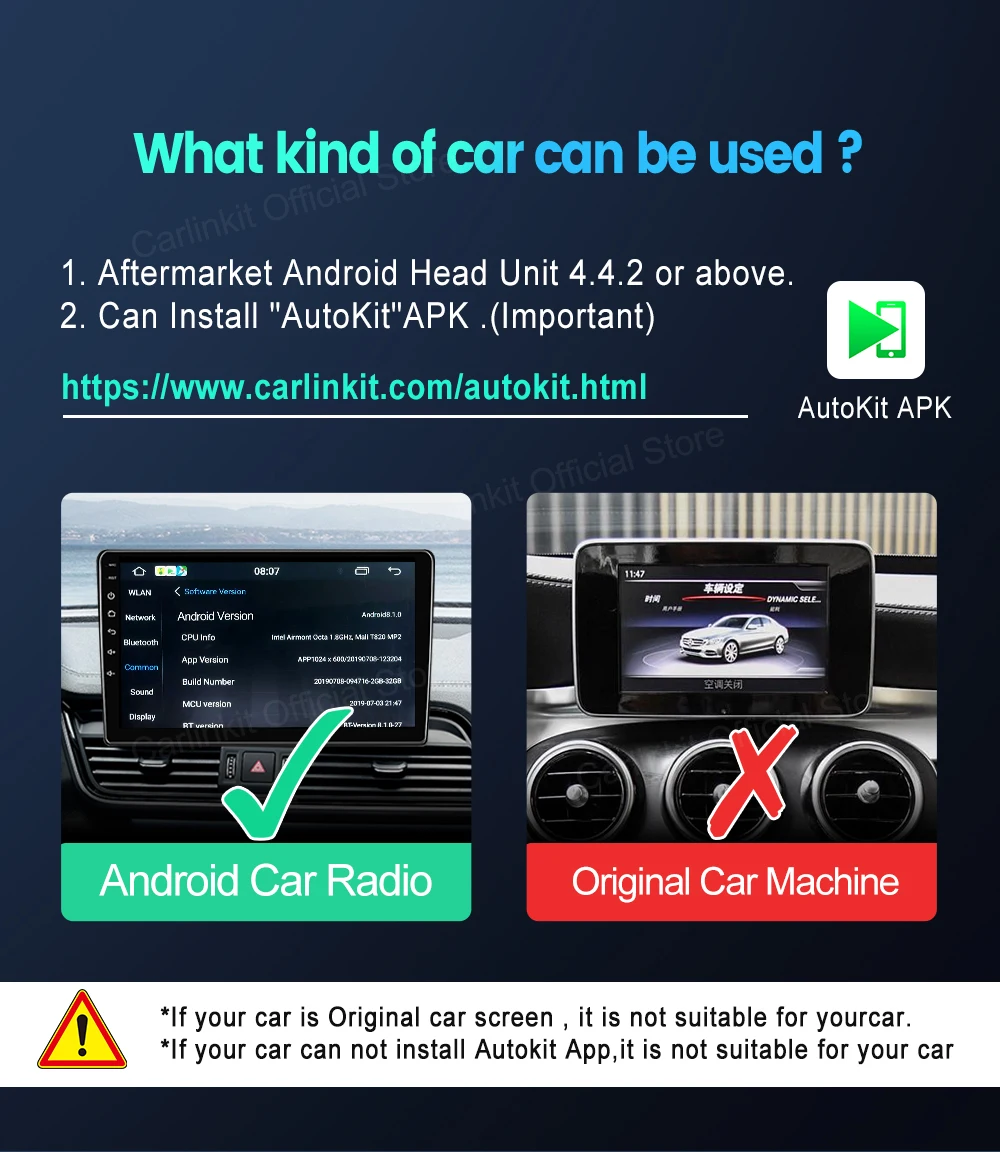
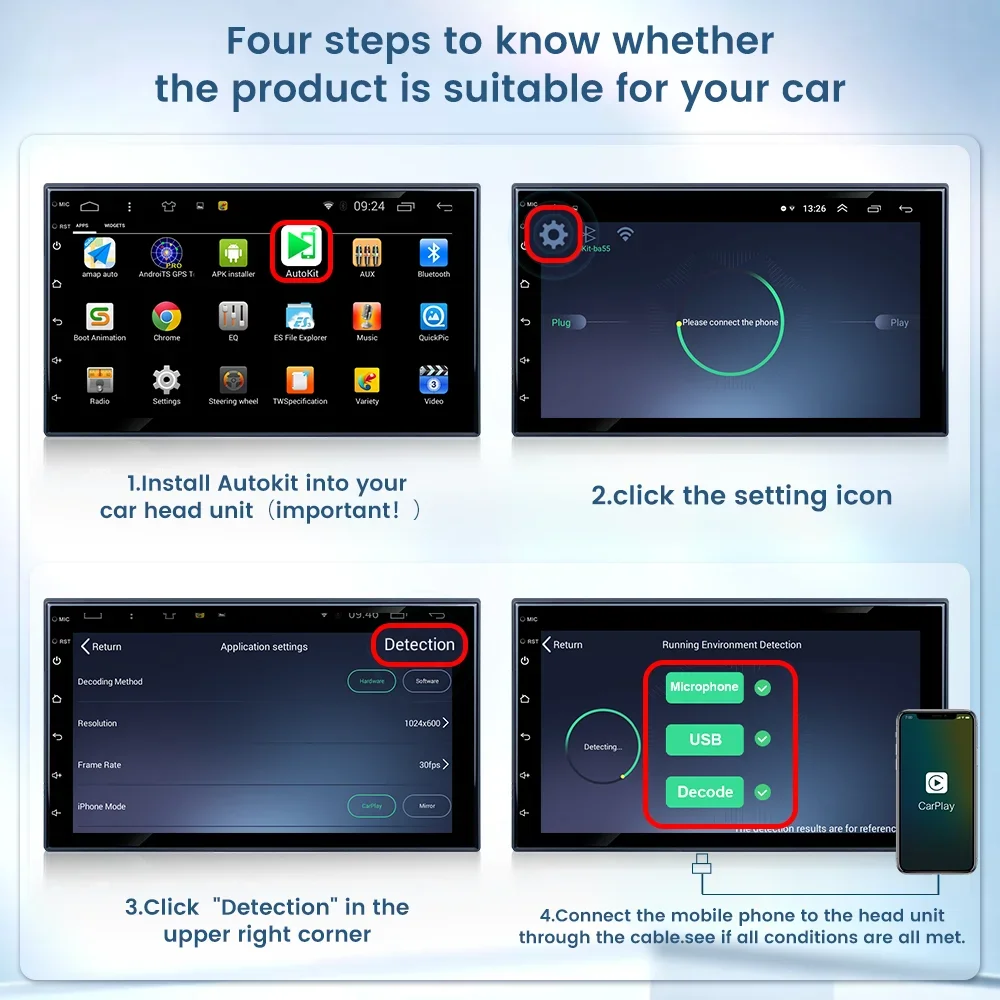
①This product only works for aftermarket Android system car head units with version 4.4.2 or above.
②You must install "AutoKit" Apk on your car, then you need to check if it passes AutoKit's "detection" test. Download link: https://www.carlinkit.com/autokit.html
★★★Important Reminder★★★
Original car radios will not work. Car radios with CarPlay or Android Auto will not work.
We also don't want buyers to waste money by buying the wrong products. Thank you for your understanding.
If your car has wired CarPlay or Android Auto, please choose the product below. Thanks.
For car radio with wired CarPlay
For car radio with wired Android Auto

Product features
1. 【Simple to use】 Easy installation, no need to remove the car. Need to download "Autokit" APP.
2. 【5G processor】 Quick connection of the product.
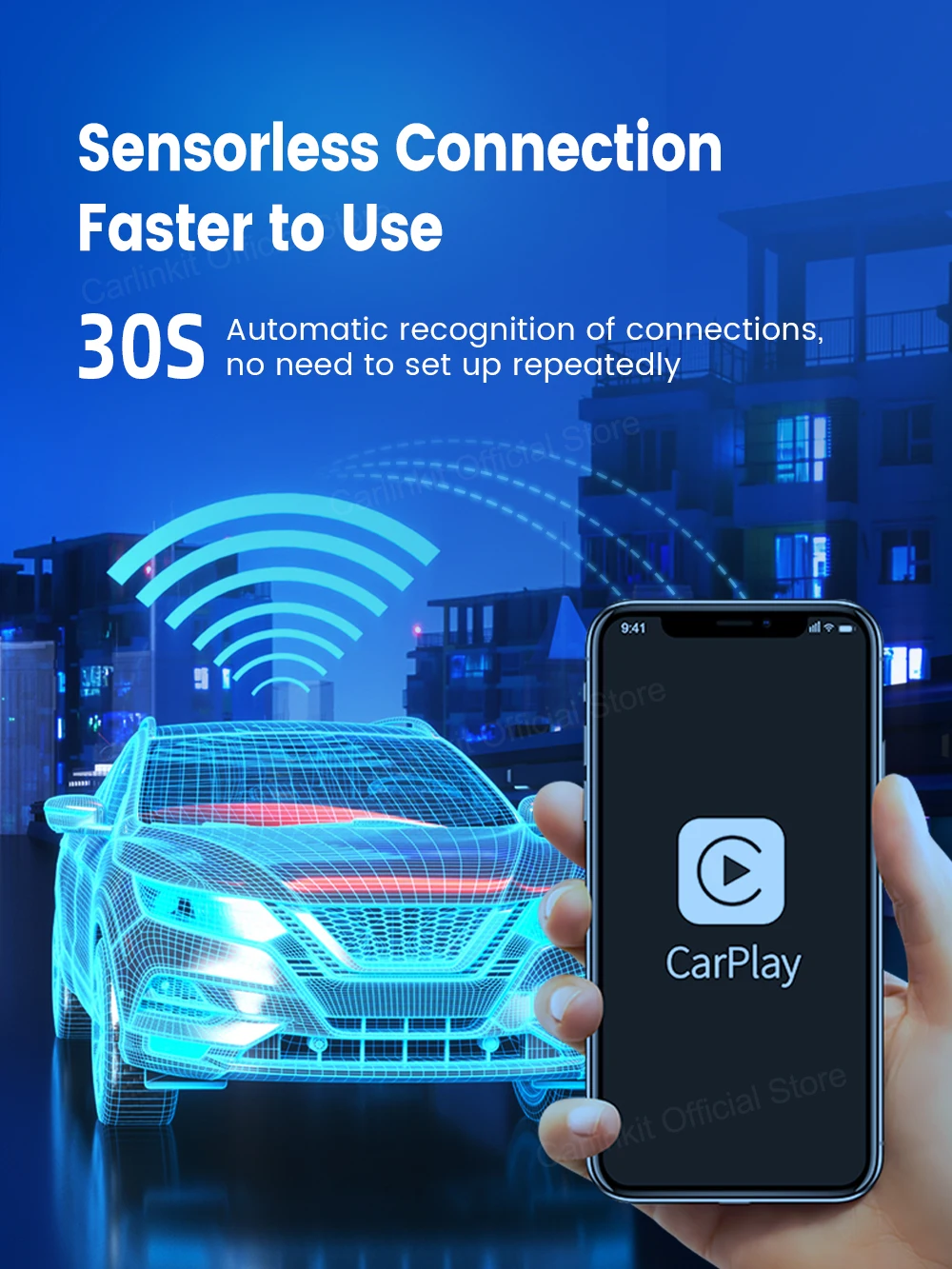
3. 【Automatic connection】 Plug into the car and connect when you get in the car.
4. 【Online upgrade】 The product can be repaired through the online upgrade version.
5. 【Multi-person use】 Supports multiple mobile phones to switch for use.
==========================
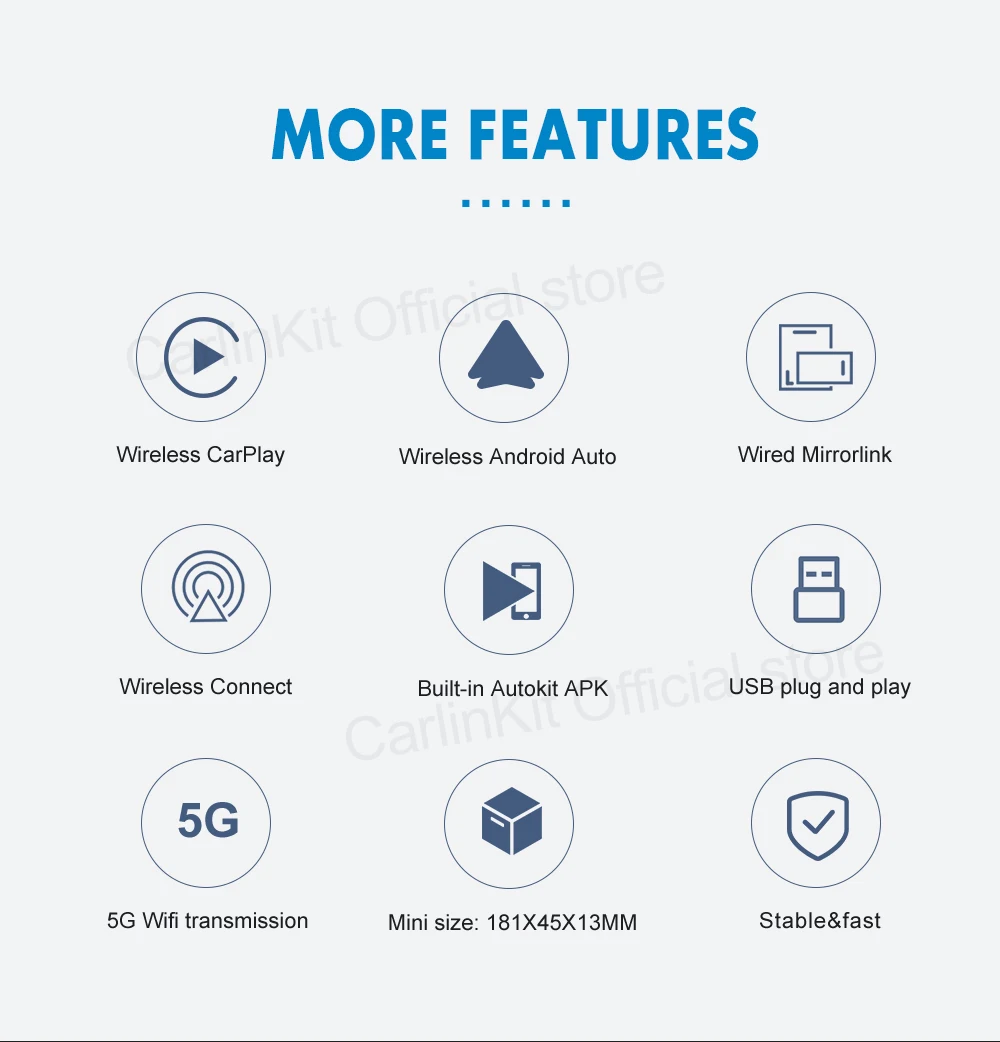
★ 【Wireless CarPlay】 Bluetooth pairing, WIFI transmission. (Only the wireless version can be used)
★ 【Wired CarPlay】 First turn off the WIFI and connect through the network cable (you can also charge the phone through the network cable)
★ 【Android Auto】 Supports wired connection, and supports charging at the same time.
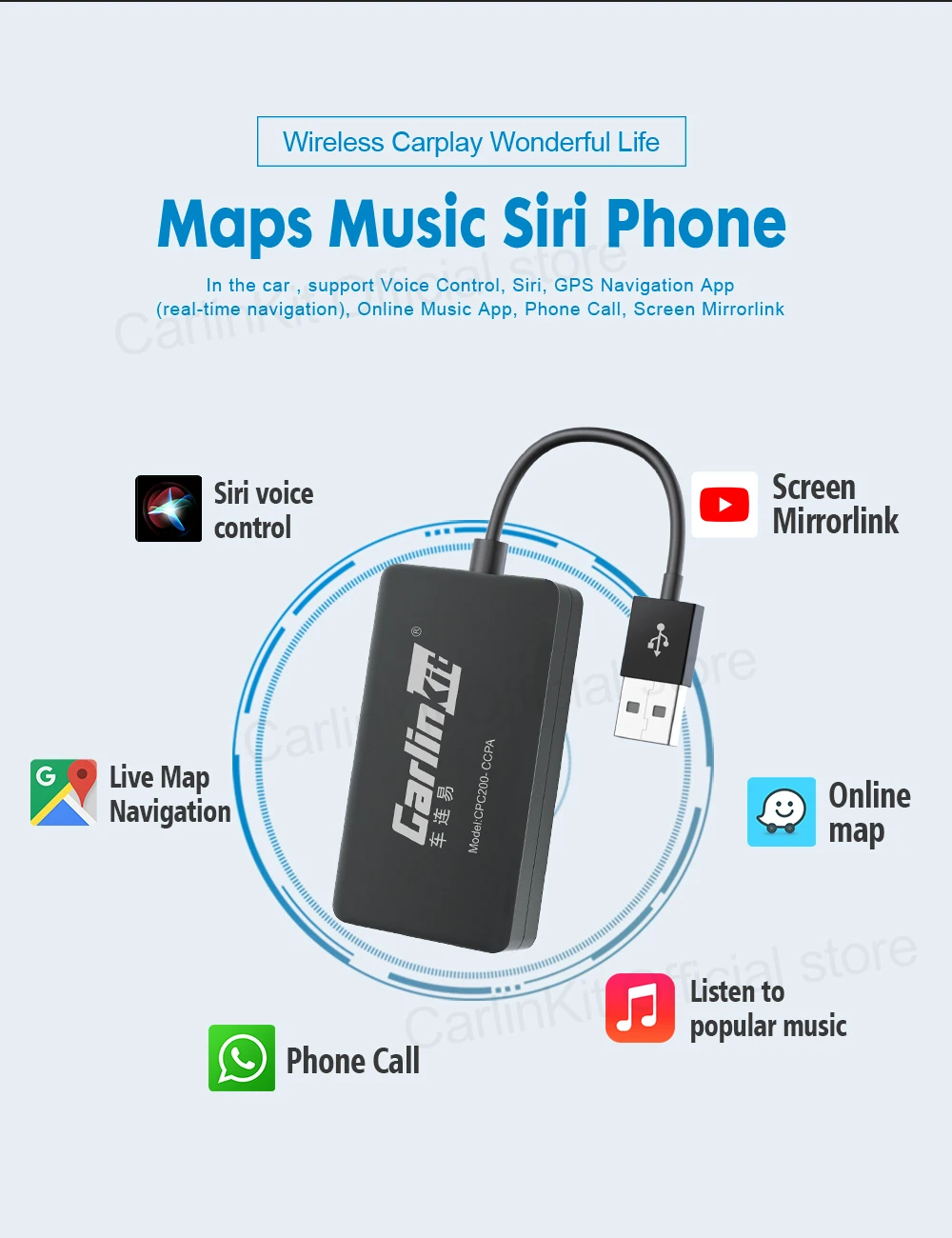
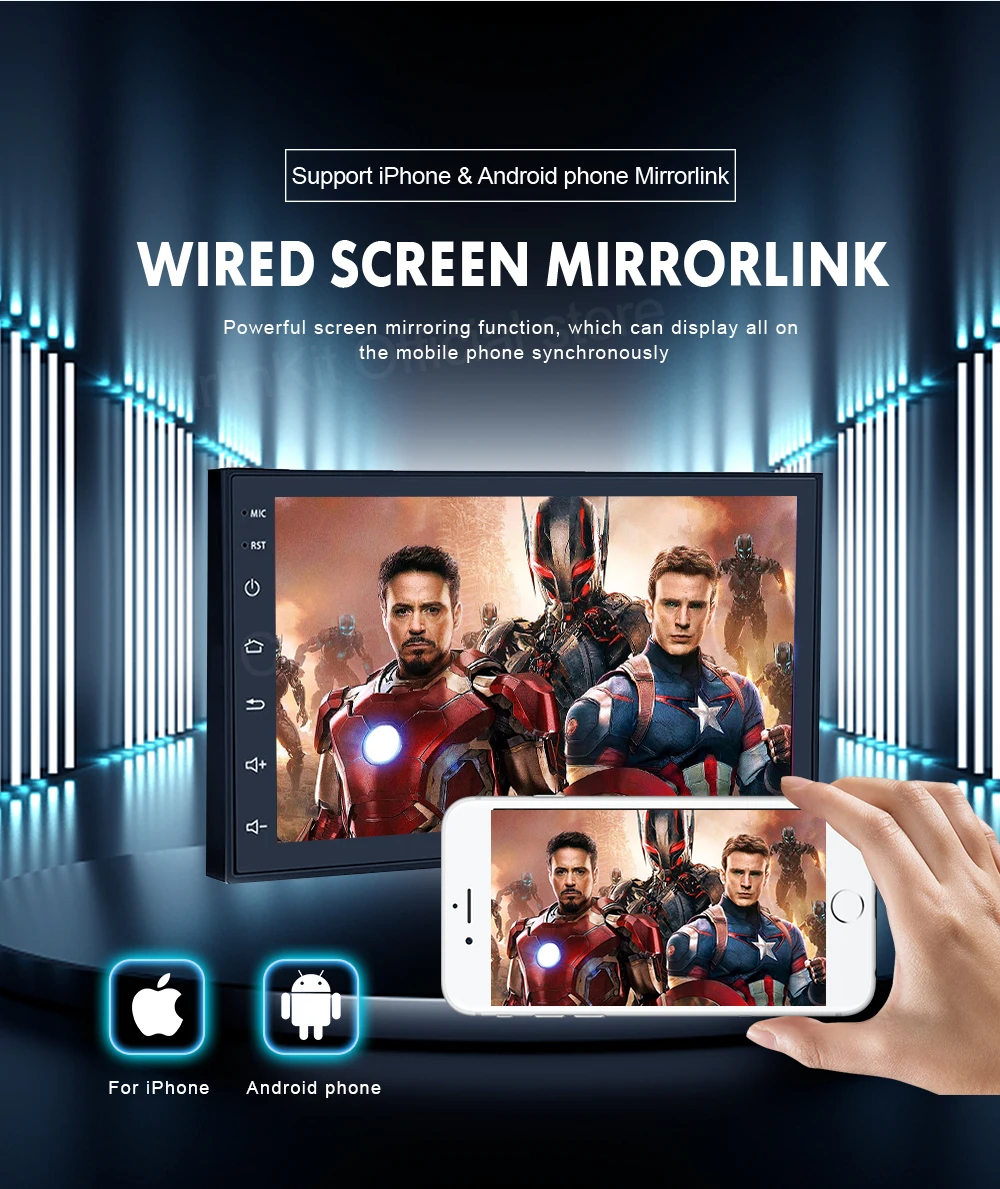
★ 【Mirrorlink】 Supports iPhone and Android phones, you can use any APP on your phone, such as watching YouTube, Netflix, etc.
==========================
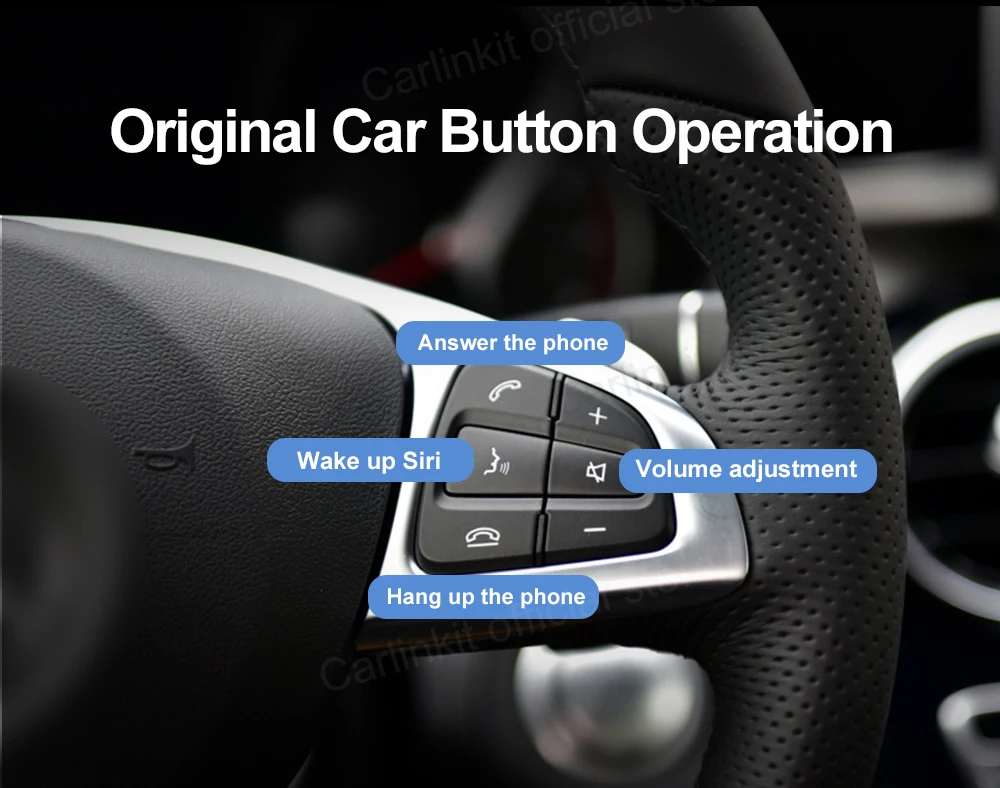
✔ 【Original car Control】 Supports original car button/knob control/steering wheel control, retaining the original driving style.
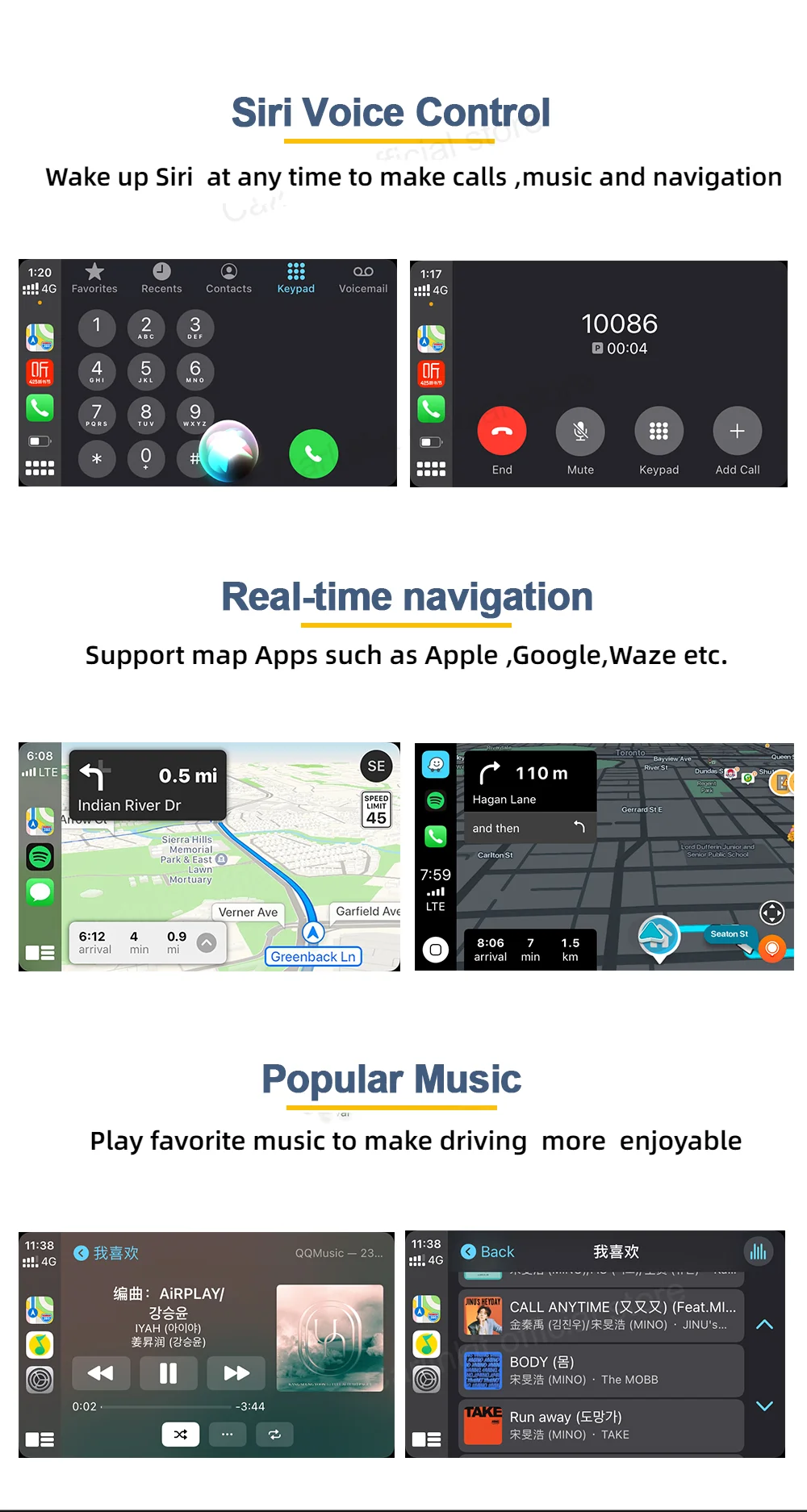
✔ 【Voice Control】 You only need to say "Hey Siri..." and your car will get to know you better.
✔ 【EQ adjustable】 The best audio quality. Freely choose your favorite style (pop, rock, soft, standard...)
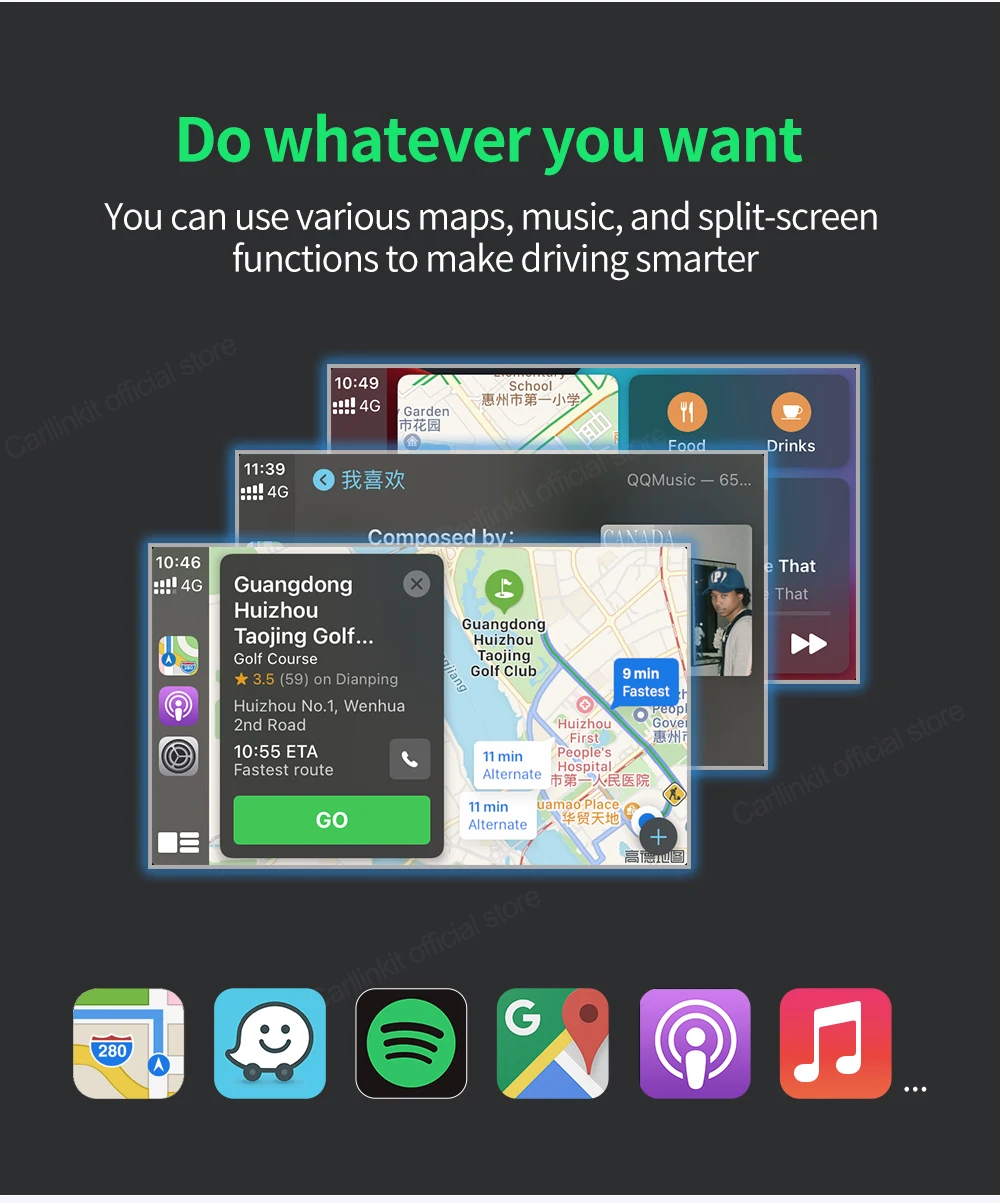
✔ 【Music】 Play Spotify, Apple Music, Amazon and other audio through original media, and some apps can display lyrics.
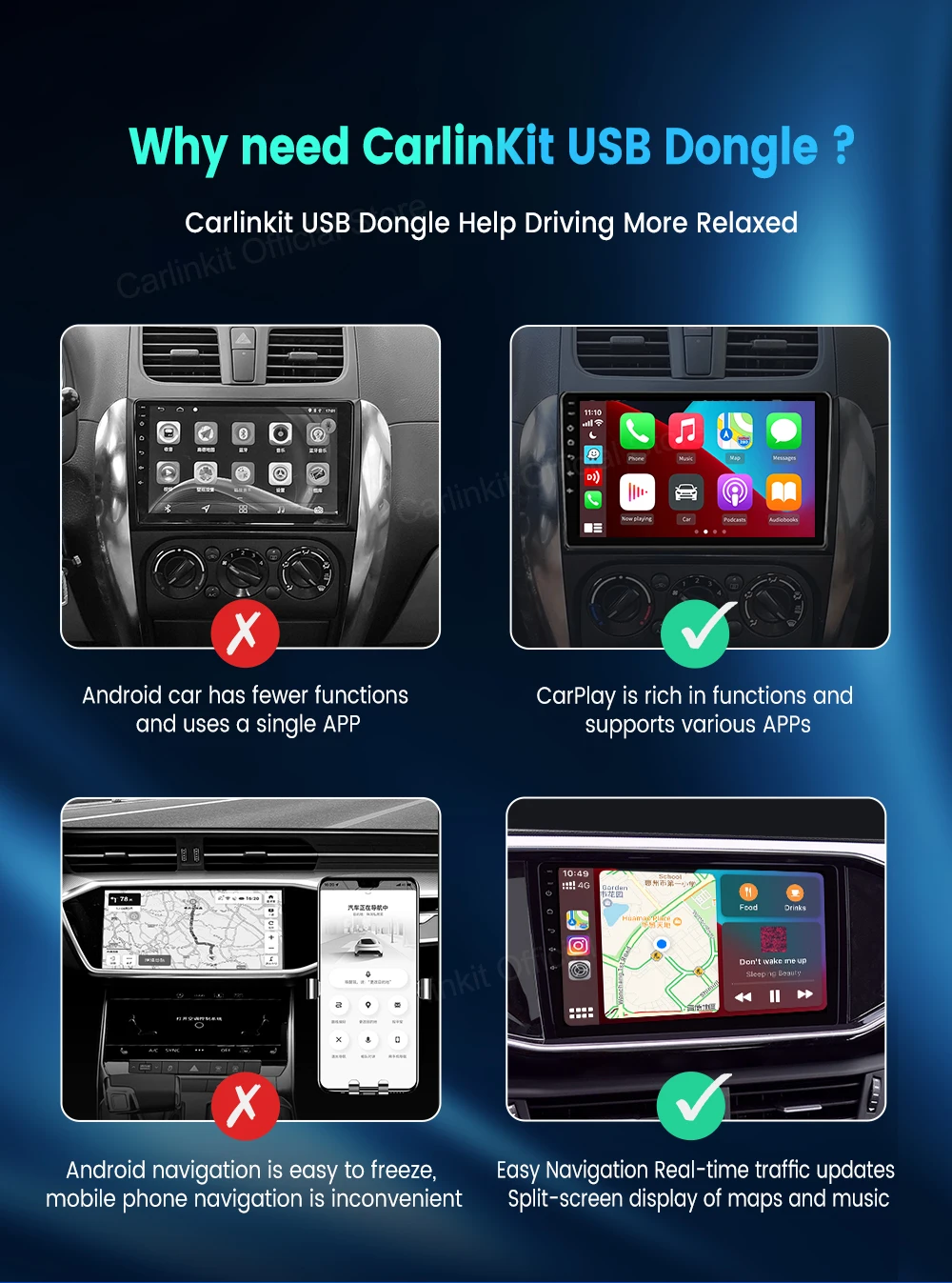
✔ 【Map】 GPS navigation applications, Google Maps, Waze and Apple Maps are available, with real-time traffic information.
✔ 【More APPs】 Such as WhatsApp, Books, Podcasts, etc.
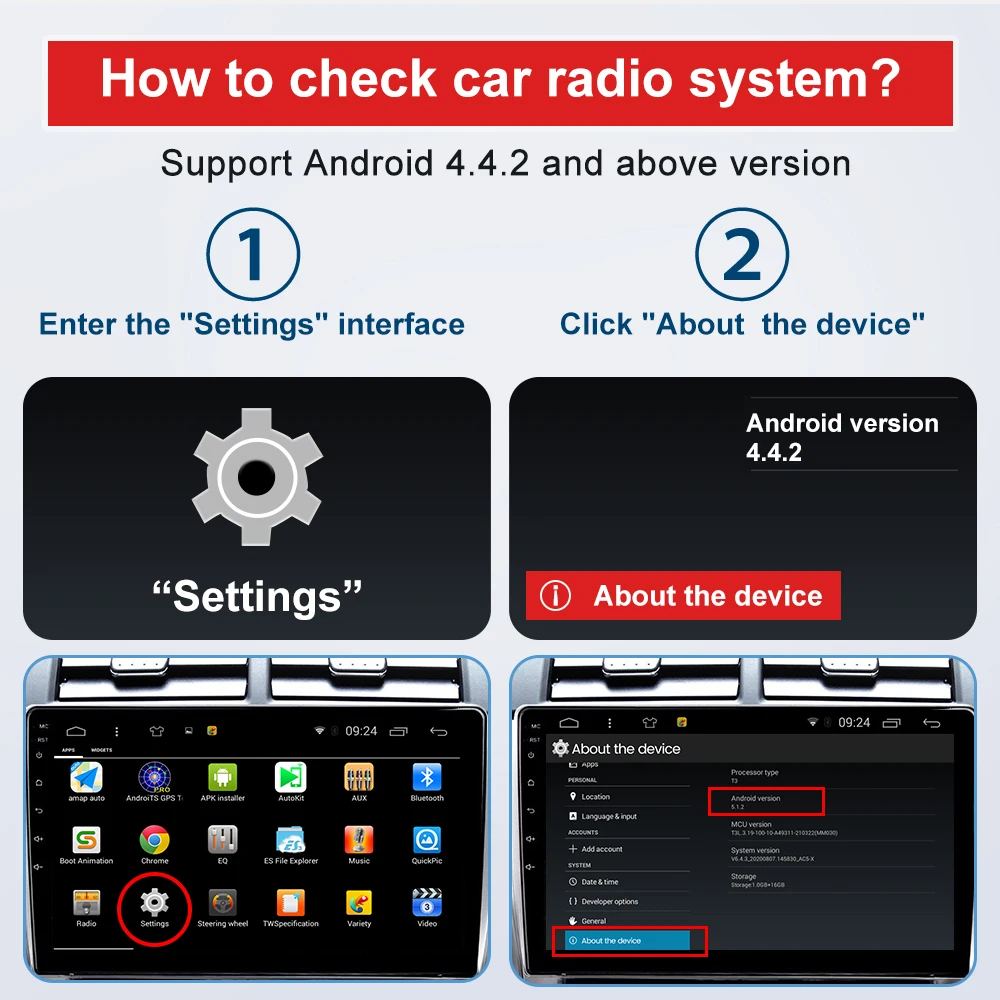
How to check if my car has an Android system?
1. Please enter the "Settings" page.
2. Click "About the device," then you can see the Android version. If it is 4.4.2 or above, then it can work for your car.
How to install APK?
https://www.carlinkit.com/autokit.html (install on car)
1. Format USB flash drive to FAT32 first.
2. Put the APK file on the USB flash drive (empty).
3. Insert the USB flash drive into the car's USB port, find the file management menu, select the APK file to install it.
4. The navigation interface will show an "AutoKit" icon.